
PDF Text Extractor
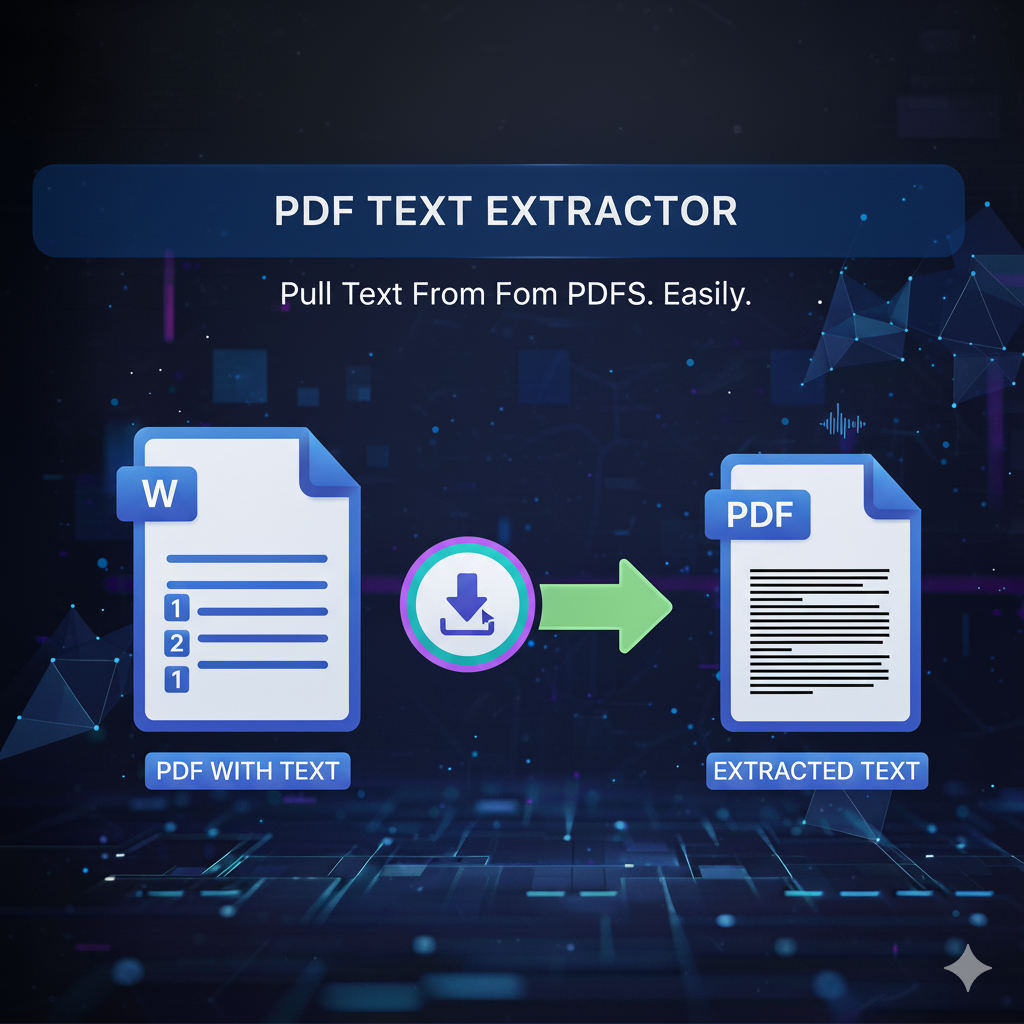
PDF Text Extractor – Extract Text from PDF Online Easily
In today’s fast-paced digital world, information is everything. Whether you need to copy content from reports, research papers, or scanned documents, the PDF Text Extractor by primepdfeditor helps you quickly and accurately extract text from any PDF file — all online, with no installation required.
What Is PDF Text Extractor?
The PDF Text Extractor is an online tool designed to extract all readable text from PDF documents instantly. It scans your file and retrieves the text while maintaining structure and formatting — ideal for editing, translation, or data analysis.
Why Use a PDF Text Extractor?
Extracting text manually from a PDF can be slow and frustrating. This tool automates the process, saving you valuable time while ensuring high precision. Whether you’re a student, researcher, or business professional, this tool helps you repurpose content easily and efficiently.
Benefits of Using primepdfeditor’s PDF Text Extractor
- Instant extraction — get all your text in seconds.
- No quality loss — preserve structure and paragraph spacing.
- Browser-based — no downloads or software required.
- Secure and private — your files are deleted automatically after extraction.
- Supports all devices and platforms.
How to Extract Text from a PDF
- Upload your PDF file to the tool.
- Wait a few seconds while the extractor processes it.
- Download or copy your extracted text instantly.
Conclusion
With primepdfeditor’s PDF Text Extractor, you can transform any PDF into editable text in just one click. It’s the easiest, fastest, and most secure way to extract content from your documents — perfect for work, school, or daily use.