
Image Resizer

Browse File to Upload
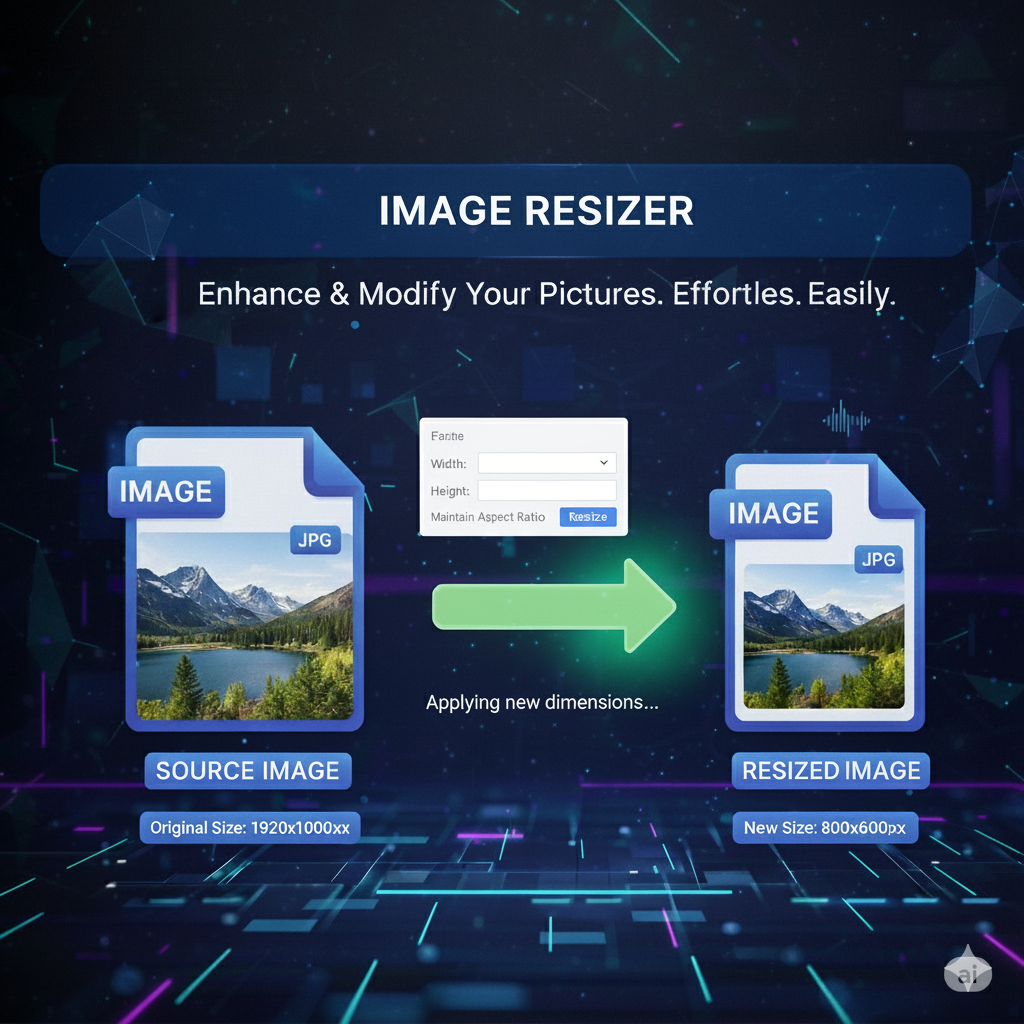
Image Resizer – Resize Images Online Instantly
Need to resize images online without losing quality? With primepdfeditor’s Image Resizer, you can instantly adjust image dimensions, width, and height to fit websites, social media, or print — all in just a few clicks.
💡 What Is an Image Resizer?
The Image Resizer tool allows you to change the size of your image while maintaining its original quality and proportions. Whether you need to reduce file size, optimize for web, or resize for Instagram, this online tool gives you complete control over your visuals.
⚡ Why Use primepdfeditor’s Image Resizer?
- 📏 Instant resizing – Adjust any image size quickly and precisely.
- 🖼️ Maintain image quality – No pixelation or distortion.
- 💻 Completely online – No app or installation required.
- 🔒 Secure processing – Files are deleted automatically after use.
- 💯 Free and easy to use – Resize as many images as you want!
🧭 How to Resize an Image Online
1️⃣ Click Upload Image to select your file (JPG, PNG, BMP, or GIF).
2️⃣ Choose your desired dimensions or use preset sizes.
3️⃣ Click Resize and instantly download your optimized image.
Done! Your resized image is ready in seconds — perfect for sharing or uploading anywhere.
🧠 Common Uses
📱 Social Media – Resize photos for Instagram, Facebook, or LinkedIn.
🌐 Web Optimization – Reduce image size for faster website loading.
🖨️ Printing – Adjust image dimensions for brochures or posters.
🛍️ E-commerce – Standardize product images for a professional look.
🏁 Conclusion
With primepdfeditor’s Image Resizer, resizing images online has never been easier. It’s fast, accurate, and completely free — ensuring perfect results every time. Whether for web, social media, or print, you can resize images without losing quality in seconds.
Make your visuals fit perfectly — try our Image Resizer tool today!