
Image Cropper
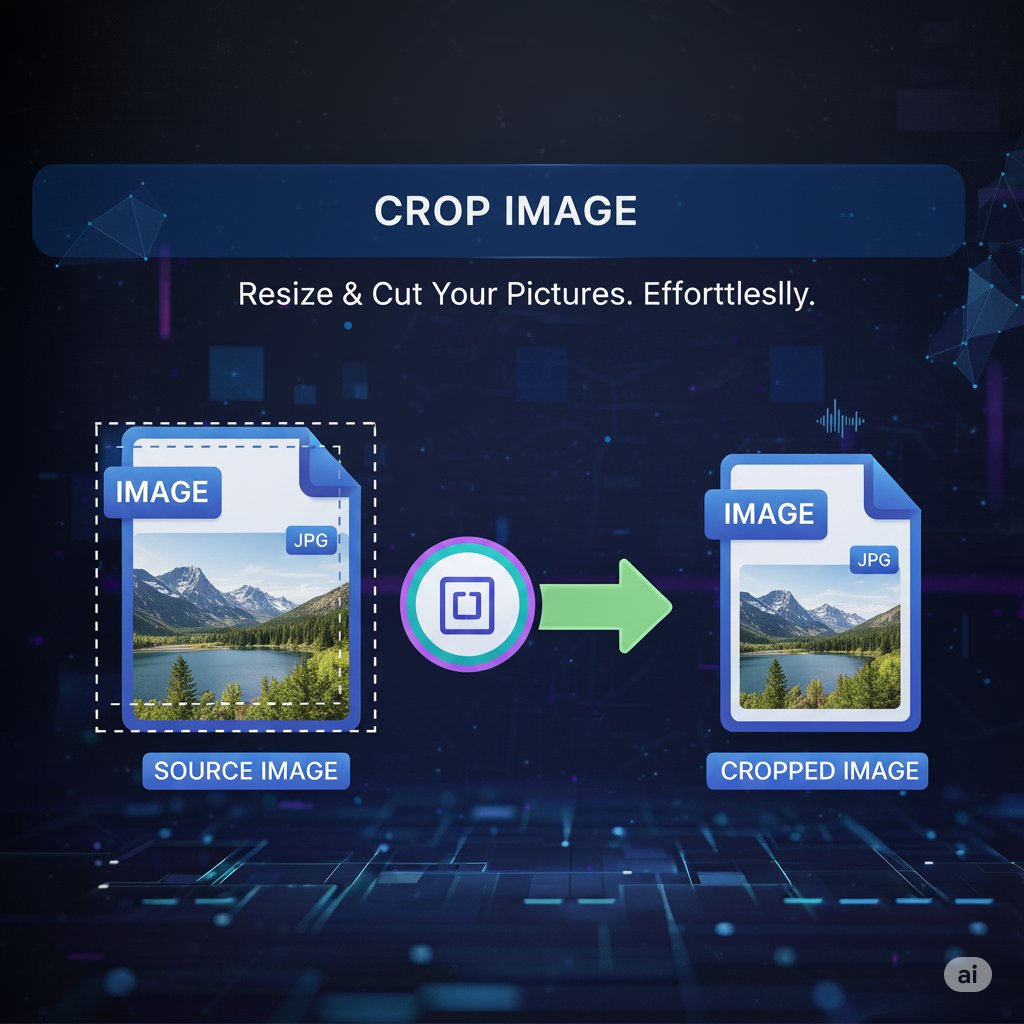
Image Cropper – Crop Images Online Instantly
In the digital age, precision and presentation matter. With primepdfeditor’s Image Cropper, you can easily crop any image online in just seconds — no software, no hassle. Whether you’re preparing visuals for a presentation, social media, or a document, this tool helps you keep only what truly matters.
What Is Image Cropper?
The Image Cropper is an online tool that allows you to trim unwanted parts of your images while maintaining high quality. It provides an easy and intuitive way to adjust the frame, focus on key details, and improve image composition instantly.
Why Use an Image Cropper?
Cropping images isn’t just about resizing — it’s about enhancing clarity and impact. By removing unnecessary edges or background areas, your images become cleaner, more professional, and ready for sharing or printing.
Benefits of Using primepdfeditor’s Image Cropper
- ✂️ Instant cropping — upload, adjust, and save in seconds.
- 🖥️ No installation required — works directly in your browser.
- 🔒 100% secure — your files are processed safely and automatically deleted.
- 📱 Compatible with all devices — desktop, tablet, and mobile.
- 🌐 Preserves quality — no pixelation or compression issues.
How to Crop an Image Online
- Upload your image to the tool.
- Adjust the crop area as desired.
- Click “Crop” and download your new image instantly.
Conclusion
The Image Cropper by primepdfeditor makes image editing fast, simple, and professional. Whether for business, school, or personal projects, it’s your go-to solution to crop images online effortlessly.