
JPG Border Editor
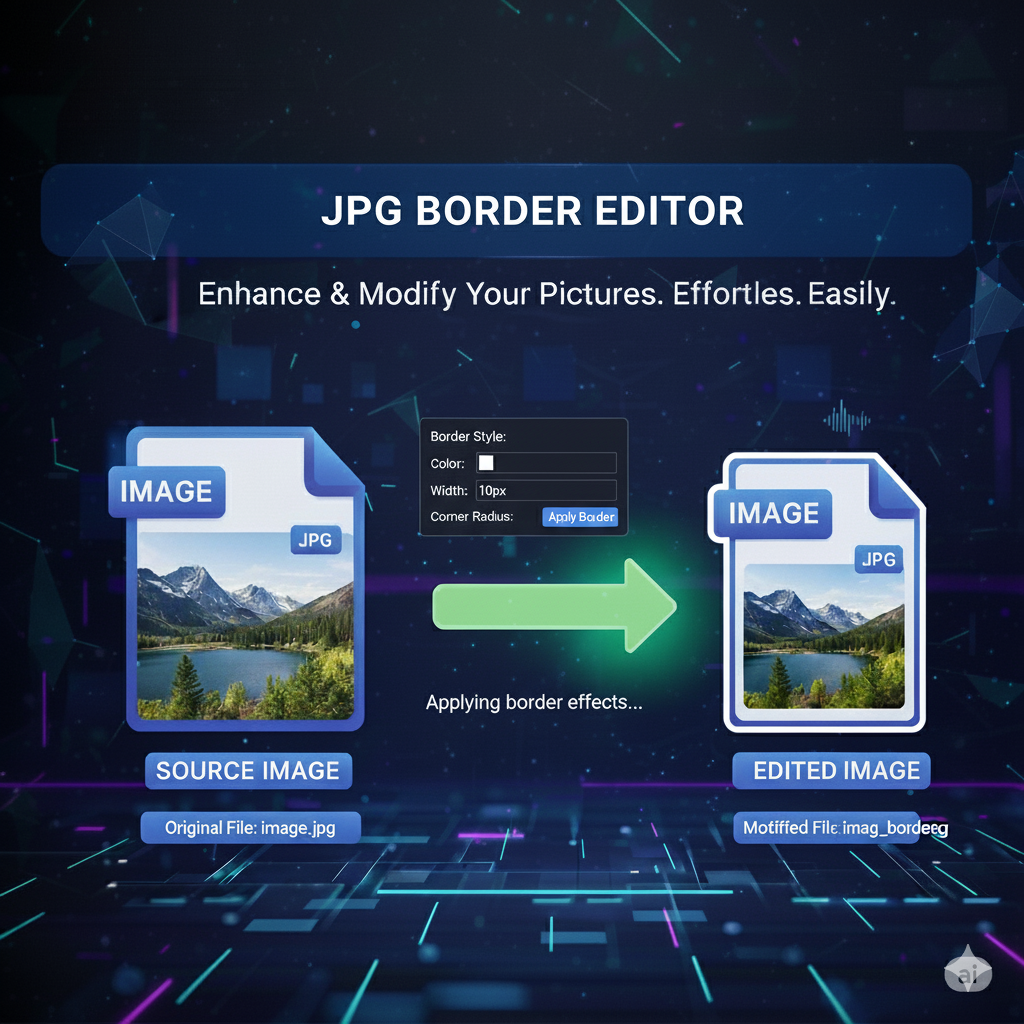
JPG Border Editor – Add or Edit Borders Online Instantly
Make your images stand out with style! With primepdfeditor’s JPG Border Editor, you can add, customize, or remove borders from your JPG photos online in seconds. No software, no registration — just upload your image and start editing right from your browser.
💡 What Is the JPG Border Editor?
The JPG Border Editor tool allows you to create clean and professional-looking borders for any JPG image. Whether you want to highlight photos, design social media posts, or prepare visuals for printing, this tool lets you fully control border color, thickness, and style — instantly and for free.
⚡ Why Use primepdfeditor’s JPG Border Editor?
- 🎨 Customizable Borders – Adjust color, size, and shape easily.
- 💻 Fully Online – No installation or downloads required.
- 🖼️ Supports All JPG Images – Works with any image resolution or format.
- 🔒 100% Secure – Files are encrypted and automatically deleted after editing.
- ⚡ Fast and Free – Edit your photo borders in just seconds.
🧭 How to Add or Edit a Border on a JPG Image
1️⃣ Click Upload JPG and select your photo.
2️⃣ Customize the border width, color, and design.
3️⃣ Preview the result instantly.
4️⃣ Click Download to save your new bordered image!
Simple, fast, and perfect for all your visual projects.
🌟 Benefits of Using the JPG Border Editor
📸 Perfect for Creators – Make images pop on social media or websites.
🎨 Design Flexibility – Choose solid, gradient, or transparent borders.
🧾 Professional Presentation – Frame certificates, documents, and photos neatly.
💯 Free Forever – Enjoy unlimited border edits online.
❓ FAQs – JPG Border Editor
Q1: Is the JPG Border Editor free to use?
✅ Yes! You can add or edit borders on any JPG image completely free — no hidden fees.
Q2: Will my image quality stay the same after editing?
🖼️ Absolutely. The tool keeps your original resolution and clarity.
Q3: Can I use custom colors for my border?
🎨 Yes, you can choose any color using the color picker or enter a specific HEX code.
Q4: Is it safe to upload personal photos?
🔒 100%. All uploads are encrypted and automatically deleted after processing.
Q5: Can I use this tool on mobile?
📱 Yes! The JPG Border Editor works perfectly on smartphones, tablets, and desktops.
🏁 Conclusion
The JPG Border Editor by primepdfeditor is the easiest way to enhance your photos with creative or professional borders. It’s fast, secure, online, and completely free — ideal for designers, students, and professionals who want quick, stunning results.
Add borders to your JPGs now and make your images stand out with just one click!