
PDF Generate with Background Color
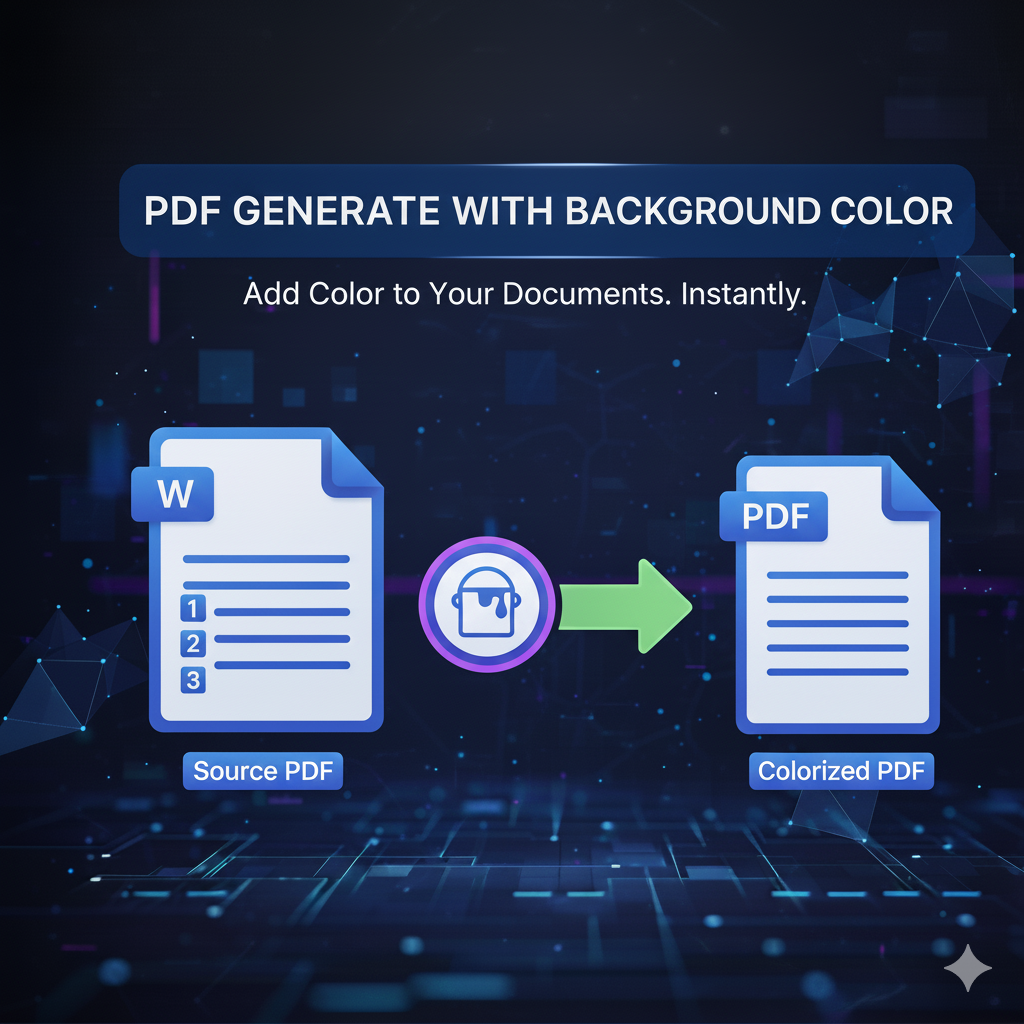
PDF Generate with Background Color
In the digital world, customization and design are key when creating professional documents.
With primepdfeditor’s PDF Generate with Background Color tool, you can easily create beautiful PDFs with custom background colors, giving your documents a polished and unique look.
Whether you’re designing reports, certificates, or presentations, this tool helps you stand out — fast, free, and online.
What Is PDF Generate with Background Color?
The PDF Generate with Background Color tool allows you to create and download PDF files with custom background colors directly from your browser.
You can choose any color you like — from light pastels to bold tones — to make your documents more attractive and visually professional.
Why Use a PDF Background Color Generator?
Adding a background color to your PDF can make your content more engaging, easier to read, and visually consistent with your brand.
This PDF color generator is ideal for:
- Creating marketing materials and presentations
- Designing certificates and invitations
- Matching brand identity with color themes
- Improving readability and design appeal
Benefits of Using Our PDF Generate with Background Color Tool
- 🎨 Full Color Control – Choose any background color or custom shade.
- ⚙️ Instant PDF Creation – Generate colored PDFs in seconds.
- 🌐 Completely Online – Works directly in your browser; no installation required.
- 🔒 Secure & Private – All files are encrypted and automatically deleted.
- 📱 Cross-Device Compatibility – Works perfectly on desktop, mobile, and tablet.
- 💯 Free & Easy to Use – No registration, no watermark, just pure functionality.
How to Generate a PDF with Background Color
- Upload or create your document using the tool.
- Select your desired background color.
- Adjust brightness or tone for perfect contrast.
- Click “Generate PDF” to create your custom-colored document.
- Download your new PDF instantly!
It’s fast, secure, and entirely online — no software required.
Is My File Safe?
Absolutely! At primepdfeditor, your privacy is always protected.
All uploads are encrypted using SSL technology, and every file is automatically deleted after generation.
Your documents remain private and secure at every step.
Common Use Cases
📄 Students & Teachers – Create colored handouts and study materials.
💼 Businesses – Design branded PDFs with matching color schemes.
🎓 Designers – Add custom background colors for portfolios or creative presentations.
🏢 Organizations – Produce visually consistent reports and documents.
Why Choose primepdfeditor?
| Feature | primepdfeditor | Other Tools |
|---|---|---|
| Custom Background Colors | 🎨 Yes | 🚫 Limited |
| Online Access | 🌐 100% browser-based | ⚠️ Requires download |
| File Security | 🔒 Encrypted | ❌ Not guaranteed |
| Speed | ⚡ Instant generation | 🕓 Often slow |
| Cost | 💯 Free | 💰 Paid or limited |
With primepdfeditor, creating professional and colorful PDFs has never been easier.
Conclusion
The PDF Generate with Background Color tool from primepdfeditor lets you design personalized, vibrant PDFs in just a few seconds.
Perfect for students, professionals, and businesses who want to add background colors to PDF files online — securely and for free.
✨ Try it now – create colorful, professional PDFs instantly at primepdfeditor.com! ✨