
SVG to PDF Converter
Converti il tuo SVG in PDF
SVG to PDF Converter
Introduction of SVG to PDF Converter
SVG to PDF Converter (Scalable Vector Graphics) is a widely used standard for high-resolution, resolution-independent image development. It’s especially popular in web design, logo development, and digital art since it can be resized without reducing the image quality. However, SVG files are not always the best option for printing, offline reading, or sending over all devices. That is where PDF (Portable Document Format) comes in.
SVG to PDF Converter enables you to preserve the visual quality of your graphics but make them more accessible, transportable, and presentable, or printable.
In this post, we will see why you need to SVG to PDF Converter, how to convert it easily without programming, and some common applications.
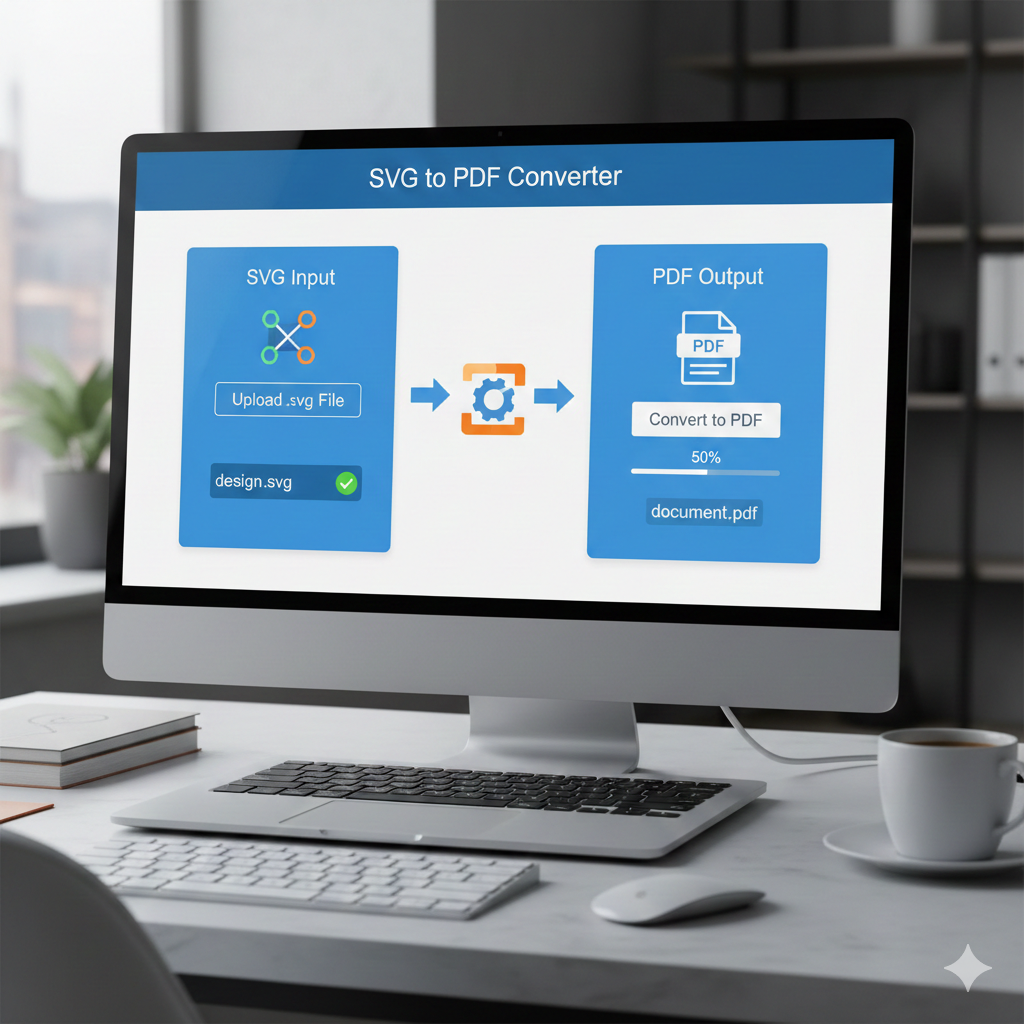
Why Convert SVG to PDF?
Converting SVG to PDF ensures your graphics are universal, printable, and compatible across all devices. While SVGs are perfect for web use, PDFs offer stability, security, and reliable printing.
Universality
PDF files are supported on almost every operating system and device, including Windows, macOS, Android, and iOS. Converting an SVG to PDF makes your content accessible anywhere, without compatibility issues.
Consistent Layout
PDFs preserve fonts, graphics, and layout exactly as designed, preventing shifts or distortions. This is essential for professional documents, presentations, and print materials.
Easy Printing
Printers handle PDFs more reliably than SVGs, ensuring accurate colors and dimensions—perfect for logos, posters, and flyers.
Offline Access
A PDF can be opened without a browser or internet connection, making it ideal for archiving and offline sharing.
Secure Sharing
PDFs support password protection, encryption, and digital signatures, making them suitable for sensitive or confidential graphics.
How to Convert SVG to PDF
Using Online Tools (No Installation Required)
Online converters let you convert SVG files to PDF in seconds directly in your browser.
Popular online tools:
- CloudConvert
- Convertio
- FreeConvert
- SVG2PDF.com
Steps:
- Visit one of the online converters
- Upload your SVG file
- Choose PDF as the output format
- Click “Convert”
- Download your PDF file
Advantages:
- Fast and easy
- No software installation
- Ideal for small projects
Disadvantages:
- Limited customization options
- File size restrictions
- Not recommended for confidential documents
Using Desktop Software
For frequent SVG users, desktop software provides more control and higher-quality output.
Popular desktop options:
- Inkscape (Free & Open Source)
- Open SVG → File → Save As → PDF
- Adobe Illustrator
- Open SVG → Save As → PDF (adjust settings)
- Affinity Designer
- File → Export → PDF
Benefits:
- Advanced customization
- Works offline
- Professional, high-quality output
Drawbacks:
- Requires installation
- Slight learning curve for beginners
Export Directly From Design Tools
Many design platforms offer native PDF export, making SVG to PDF conversion seamless.
- Figma
- Sketch
- Canva Pro
If your SVG was created in one of these tools, simply export as PDF using the built-in options.
Tips for High-Quality SVG to PDF Conversion
- Use 300 DPI for printing to maintain sharpness
- Embed fonts to preserve text appearance
- Adjust page size to fit your design without extra margins
- Review the PDF before sharing or printing to ensure alignment and resolution
Use Cases for SVG to PDF Converter
- Branding: Share or print logos and icons
- Print Materials: Flyers, posters, business cards
- Digital Publications: Embed vector illustrations in eBooks or documents
- Reports & Portfolios: Include high-resolution graphics in professional documents
- Web Archives: Save and transport web graphics in a universal format
Conclusion
An SVG to PDF converter is essential for digital design and professional printing. By converting SVG files to PDF, your graphics retain their quality while becoming easy to share, print, and access offline.
Whether you use a quick online tool or desktop software for full control, your graphics remain sharp, professional, and universally compatible.
FAQs – SVG to PDF Converter
1. What is an SVG to PDF Converter?
It’s a tool that converts Scalable Vector Graphics (SVG) into Portable Document Format (PDF), creating a fixed-layout, printable version of your image.
2. Why convert SVG to PDF?
PDFs are widely supported, preserve layout and design across devices, and are ideal for sharing, printing, and professional workflows.
3. Is the conversion lossless?
Yes. Most SVG to PDF converters retain vector quality, so there’s no loss in image resolution.
4. Can I convert multiple SVG files at once?
Some converters support batch conversion, allowing you to convert many files simultaneously.
5. Will fonts and styles be preserved?
Yes. Fonts and styles in the SVG are typically preserved in the PDF. Make sure the fonts are embedded or available on the system during conversion.
If you want, I can also make a more compact, punchy version optimized specifically for SEO and Google ranking, with headings and keywords highlighted to attract clicks for your tool.
Do you want me to do that next?