
PDF Page Remover
PDF Page Remover – Delete Unwanted PDF Pages Instantly
Managing PDFs can be tricky, especially when you need to remove specific pages. PDF Page Remover makes it easy to delete unwanted pages instantly, improving workflow and saving time. Ideal for students, professionals, and anyone working with PDF editing, PDF management, and document organization. Learn how to remove pages efficiently with this powerful PDF tool.
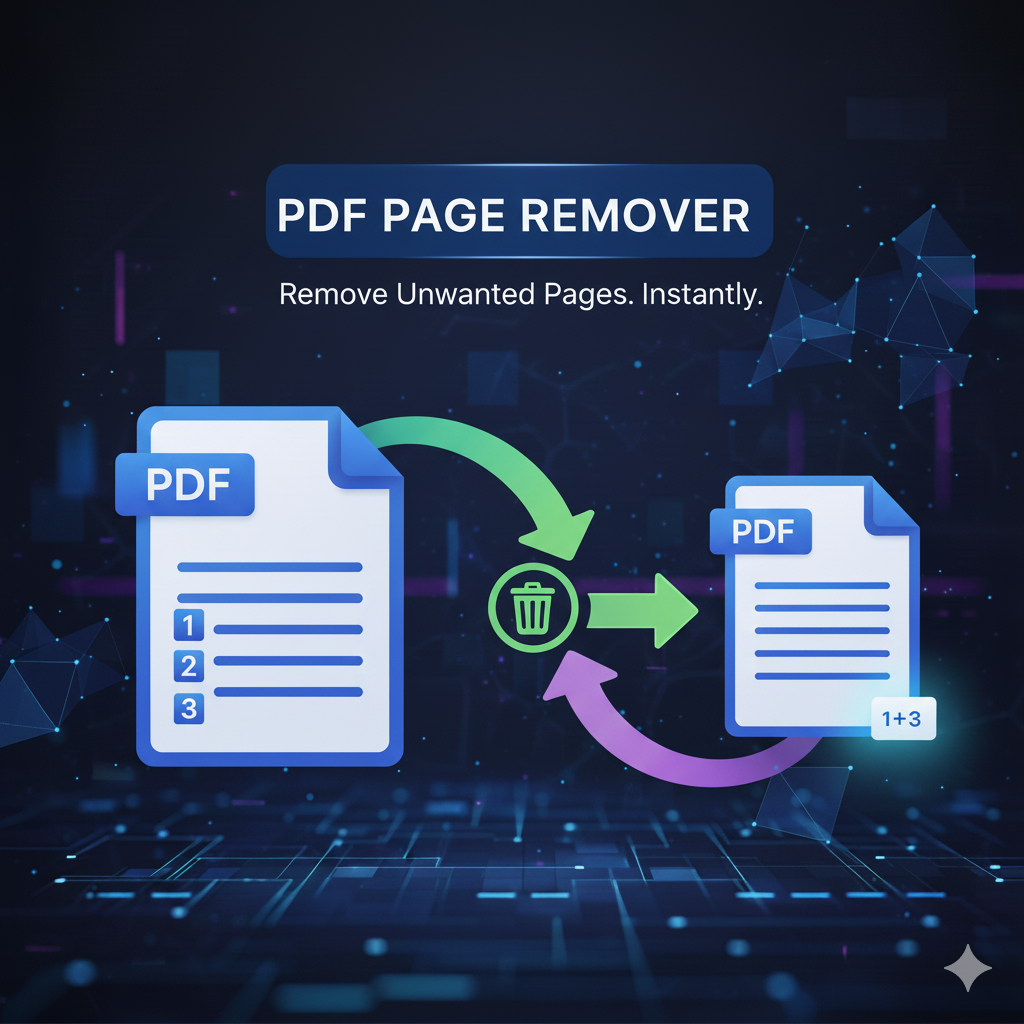
pdf page remover – effortlessly delete unwanted pdf pages
What is a pdf page remover?
A PDF Page Remover is a tool that lets you quickly delete unnecessary pages from any PDF. It simplifies PDF management, making it fast and easy to remove blank pages, confidential information, or unwanted content without recreating the document.
Why remove pages from a pdf
- remove blank pages – clean up scanned or exported PDFs
- protect sensitive information – delete internal notes before sharing
- reduce file size – easier to email or upload
- customize document flow – tailor content for presentations or reports
- correct mistakes – remove duplicated or wrong pages
Key features of a pdf page remover
- easy page selection with thumbnails
- batch deletion for multiple pages
- online and offline availability
- secure connections with automatic file deletion
- fast processing for large PDFs
How to use a pdf page remover
- upload your pdf – drag, drop, or import from cloud storage
- select pages – choose pages to delete
- apply changes – click “remove” or “delete”
- download or save – get your edited PDF instantly
Online vs offline pdf page removers
- online tools – no installation, accessible anywhere, quick tasks, some size limits
- offline tools – installed on your computer, handle large/confidential files, may cost
Use cases
- students – remove unnecessary pages from notes or eBooks
- teachers – trim exams or answer keys
- corporate professionals – prepare client reports efficiently
- legal professionals – exclude privileged content
- healthcare professionals – protect patient-sensitive information
Tips for efficient pdf page management
- rename edited files
- keep original backups
- double-check page numbers
- try browser extensions for faster access
Recommended tools
- Adobe Acrobat DC – enterprise-grade
- HotPDF – simple and freemium
- PDFCandy – online/offline all-in-one
- iLovePDF – cloud-based, includes compression and merging
- Sejda PDF – free daily use, privacy-focused
Conclusion
A PDF Page Remover saves time, improves document organization, and ensures high-quality PDFs. Perfect for students, educators, corporate, legal, and healthcare professionals. Choose the right tool—online or offline—and simplify PDF management efficiently.