
Organize Multi PDF Tool
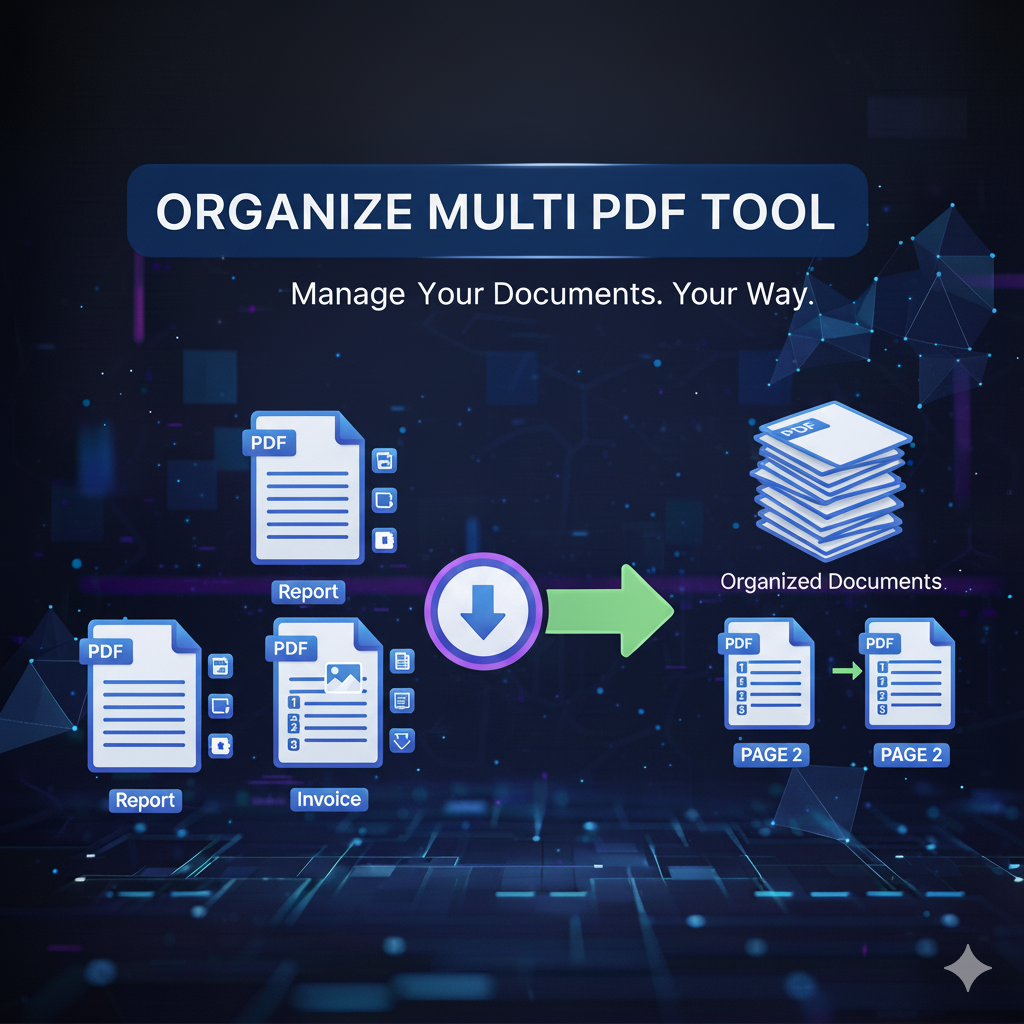
𝗢𝗿𝗴𝗮𝗻𝗶𝘇𝗲 𝗠𝘂𝗹𝘁𝗶 𝗣𝗗𝗙 𝗧𝗼𝗼𝗹 – 𝗥𝗲𝗮𝗿𝗿𝗮𝗻𝗴𝗲, 𝗗𝗲𝗹𝗲𝘁𝗲, 𝗮𝗻𝗱 𝗢𝗿𝗴𝗮𝗻𝗶𝘇𝗲 𝗣𝗗𝗙 𝗣𝗮𝗴𝗲𝘀 𝗤𝘂𝗶𝗰𝗸𝗹𝘆
In today’s fast-paced digital world, managing documents efficiently is essential. With primepdfeditor’s Organize Multi PDF Tool, you can rearrange, delete, rotate, and organize PDF pages easily — all online and completely free. Whether you need to reorder chapters in a report, remove unnecessary pages, or merge multiple PDFs, this tool makes it fast and simple.
𝗪𝗵𝗮𝘁 𝗜𝘀 𝘁𝗵𝗲 𝗢𝗿𝗴𝗮𝗻𝗶𝘇𝗲 𝗠𝘂𝗹𝘁𝗶 𝗣𝗗𝗙 𝗧𝗼𝗼𝗹?
The Organize Multi PDF Tool lets you take full control of your PDF structure. You can drag and drop pages to rearrange their order, delete unwanted pages, or rotate them for better alignment. It’s perfect for users who handle professional, academic, or business PDFs daily and need precise customization.
𝗞𝗲𝘆 𝗙𝗲𝗮𝘁𝘂𝗿𝗲𝘀 𝗼𝗳 𝗣𝗿𝗶𝗺𝗲𝗣𝗗𝗙𝗘𝗱𝗶𝘁𝗼𝗿’𝘀 𝗣𝗗𝗙 𝗣𝗮𝗴𝗲 𝗢𝗿𝗴𝗮𝗻𝗶𝘇𝗲𝗿
✔ Rearrange PDF Pages – Move pages easily by drag-and-drop for the perfect order.
✔ Delete Unwanted Pages – Remove extra or blank pages in one click.
✔ Rotate Pages – Fix upside-down or sideways pages instantly.
✔ Combine Multiple PDFs – Organize and merge several PDF documents at once.
✔ Fast and Secure Processing – All actions are handled on secure servers; your files remain private.
✔ No Installation Required – 100% online tool, accessible from any browser or device.
𝗪𝗵𝘆 𝗨𝘀𝗲 𝘁𝗵𝗲 𝗢𝗿𝗴𝗮𝗻𝗶𝘇𝗲 𝗣𝗗𝗙 𝗣𝗮𝗴𝗲𝘀 𝗧𝗼𝗼𝗹?
Using a PDF organizer saves you valuable time and ensures your files are neat and professional. Instead of re-uploading or recreating entire documents, you can:
• Quickly reorder PDF pages for better flow.
• Delete unnecessary sections to keep only what matters.
• Optimize PDFs before sharing, printing, or archiving.
It’s the easiest way to manage PDF content directly online.
𝗛𝗼𝘄 𝘁𝗼 𝗥𝗲𝗮𝗿𝗿𝗮𝗻𝗴𝗲 𝗼𝗿 𝗗𝗲𝗹𝗲𝘁𝗲 𝗣𝗗𝗙 𝗣𝗮𝗴𝗲𝘀 𝗢𝗻𝗹𝗶𝗻𝗲
1️⃣ Click Upload PDF and choose your file.
2️⃣ Use the drag-and-drop editor to rearrange, rotate, or delete pages.
3️⃣ Click Apply Changes to confirm your edits.
4️⃣ Download your newly organized PDF instantly.
No sign-up, no software — just fast and efficient page management.
𝗦𝗲𝗰𝘂𝗿𝗶𝘁𝘆 & 𝗣𝗿𝗶𝘃𝗮𝗰𝘆
At primepdfeditor, your privacy always comes first.
✔ All uploads and downloads are fully encrypted.
✔ Files are automatically deleted after processing.
✔ We never store, read, or share your documents.
You can manage confidential documents safely, knowing your data stays protected.
𝗧𝗼𝗽 𝗨𝘀𝗲 𝗖𝗮𝘀𝗲𝘀
📚 Students – Organize notes, research, or assignments for easier reading.
💼 Professionals – Reorder contracts, invoices, or proposals efficiently.
🏢 Businesses – Prepare documents for clients and presentations.
⚖️ Legal Firms – Combine, rearrange, or remove pages from legal documents.
𝗪𝗵𝘆 𝗖𝗵𝗼𝗼𝘀𝗲 primepdfeditor?
| Feature | primepdfeditor | Other Tools |
|---|---|---|
| Speed | ⚡ Ultra-fast | 🕓 Often slow |
| Security | 🔒 Encrypted | ⚠️ Unclear |
| Registration | ❌ Not required | ✅ Required |
| Interface | ✨ Simple & clean | ❌ Complicated |
| Cost | 💯 Free | 💰 Paid or limited |
𝗙𝗶𝗻𝗮𝗹 𝗧𝗵𝗼𝘂𝗴𝗵𝘁𝘀
Rearranging, deleting, or organizing PDF pages has never been this easy.
With primepdfeditor’s Organize Multi PDF Tool, you can manage all your PDF pages directly online — fast, free, and secure.
✨ Try it now at primepdfeditor.com and experience the smartest way to organize PDF files online! ✨