
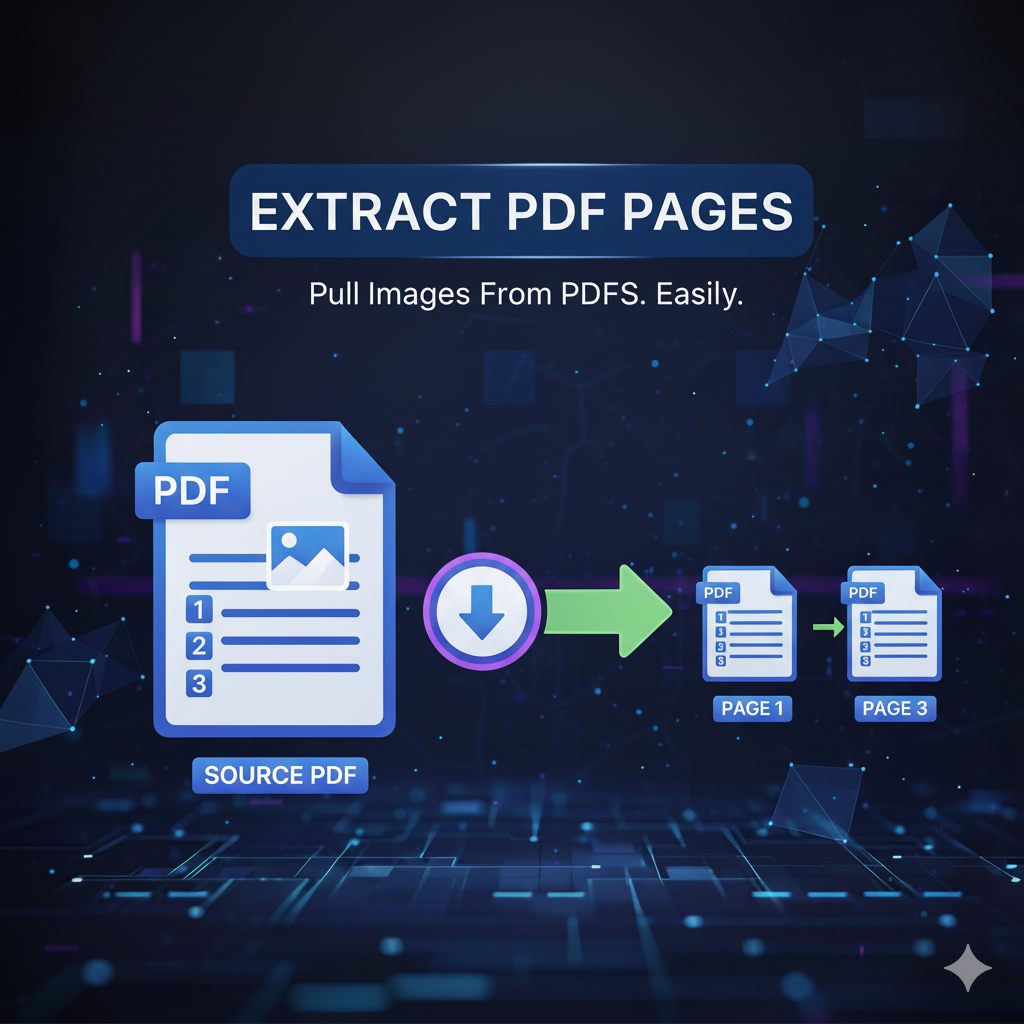
Extract PDF Pages
Extract PDF Pages
PDFs are one of the most common file formats used for sharing reports, eBooks, contracts, and professional documents.
However, sometimes you only need a few specific pages from a long PDF.
With primepdfeditor’s Extract PDF Pages tool, you can easily extract specific pages from any PDF file in seconds — quickly, securely, and with perfect formatting.
What Is Extract PDF Pages?
The Extract PDF Pages tool allows you to separate and extract individual pages from a PDF document without affecting the rest of the file.
Whether you need one page or several, this PDF page extractor gives you total control over what to keep and what to remove, ensuring high-quality output every time.
Why Use an Extract PDF Pages Tool?
Using a PDF page extraction tool saves time and avoids manual editing.
Instead of recreating or splitting documents manually, you can simply extract pages from a PDF in one click — ideal for:
- Extracting chapters from eBooks
- Separating invoices or receipts
- Sharing only a few sections of a report
- Sending selected pages to clients or colleagues
Benefits of Using Our Extract PDF Pages Tool
- 🕒 Instant extraction — get your pages in seconds.
- 📂 Choose any range of pages to extract from your PDF.
- 🌐 Works online — no software installation required.
- 🔒 100% secure — all files are encrypted and automatically deleted.
- 📱 Cross-platform — works perfectly on desktop, tablet, and mobile.
- 💯 Preserves original formatting and quality.
How to Extract Pages from a PDF
- Click “Upload” or “Select File” and choose your PDF document.
- Enter the page range or numbers you want to extract (e.g., 1–3, 7, 10–12).
- Click “Extract Pages” — your new PDF will be ready in seconds.
- Download the extracted PDF instantly.
It’s that simple — no registration, no hidden fees.
Is My File Safe?
Yes. At primepdfeditor, we prioritize your privacy.
Every uploaded file is processed using secure SSL encryption and is automatically deleted from our servers after extraction.
Your data is never stored or shared with anyone.
Common Use Cases
📚 Students & Teachers – Extract study materials or specific chapters.
💼 Professionals – Separate project reports, contracts, or proposals.
🧾 Businesses – Split invoices or receipts for accounting and sharing.
🖥️ Designers & Creators – Save layouts, mockups, or pages for editing.
Why Choose primepdfeditor for Extracting PDF Pages?
| Feature | primepdfeditor | Other Tools |
|---|---|---|
| Extraction Speed | ⚡ Ultra-fast | 🕓 Often slow |
| Registration | ❌ Not required | ✅ Required |
| File Security | 🔒 Fully encrypted | ⚠️ May vary |
| Interface | ✨ Simple & modern | ❌ Complex |
| Cost | 💯 Free | 💰 Paid or limited |
With primepdfeditor’s Extract PDF Pages, you can work smarter and faster — always online, always free.
Conclusion
The Extract PDF Pages tool from primepdfeditor is your go-to solution to extract pages from PDF files online quickly and securely.
Whether you need one page or dozens, this free PDF page extractor keeps your formatting intact and your data safe.
✨ Try it now — fast, secure, and completely free at primepdfeditor.com! ✨