
Crop PDF
How to Crop PDF Files
In today’s digital world, PDF files (Portable Document Format) are among the most common formats for sharing and preserving documents such as eBooks, contracts, reports, forms, and manuals. However, some PDFs may include unwanted margins, headers, footers, or blank spaces that affect readability and design. Learning how to crop a PDF allows you to remove unnecessary elements, improve document appearance, and create cleaner, more professional PDFs.
What Does It Mean to Crop a PDF?
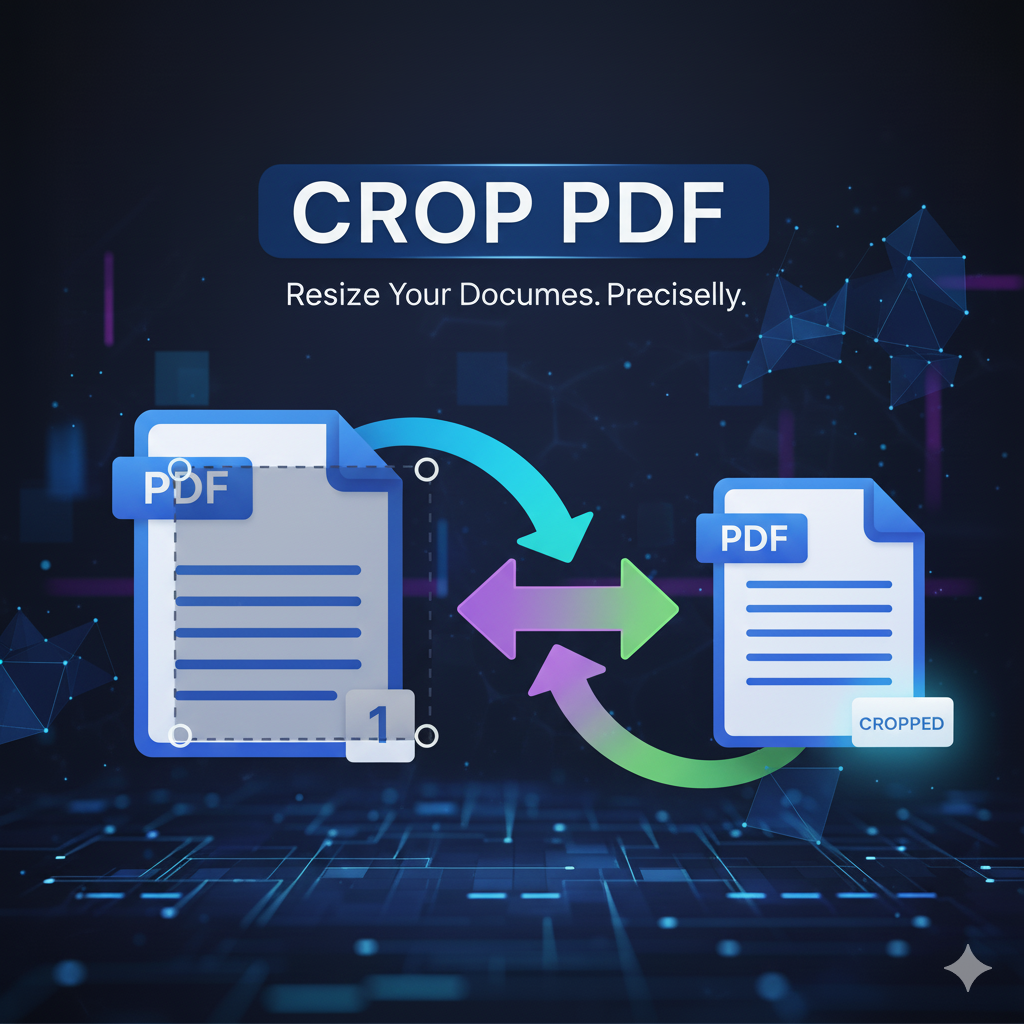
Cropping a PDF means trimming unwanted white space or content from the edges of one or more pages in a PDF file. Unlike deleting text or images, cropping a PDF only hides the parts outside the visible area — it doesn’t remove any actual data.
Think of it like framing a photo: you see only a selected portion, but the full image still exists behind the frame.
Why Crop a PDF?
Cropping a PDF serves many practical and aesthetic purposes. Here are the main reasons why users choose to crop PDF files online:
1. Improved Readability
Removing large white margins helps fit content better on screens and printed pages, making your document easier to read.
2. Better Presentation
Cropping headers, footers, or unnecessary elements makes PDFs look cleaner and more professional — perfect for business, school, or presentations.
3. Optimized Printing
Cropping ensures better alignment for double-sided or booklet printing, saving paper and keeping margins balanced.
4. Focus on Content
Removing logos, ads, or distractions allows readers to focus on the essential text or images.
5. Resizing for Devices
You can crop a PDF for mobile, tablet, or e-reader use, improving visibility on smaller screens.
Common Use Cases for Cropping PDF Files
- Students & Academics: Focus on key diagrams or notes in textbooks.
- Legal Professionals: Remove confidential headers or footers before sharing.
- Designers: Extract relevant client feedback sections.
- Publishers: Adjust book layouts to fit printable templates.
- Businesses: Clean up scanned contracts or reports for distribution.
Best Tools to Crop PDF Files
You can crop PDF files online for free or use desktop apps for advanced editing.
Online PDF Tools:
- Primepdfeditor – Free, secure, and easy-to-use online crop PDF tool. No installation needed.
- Smallpdf
- iLovePDF
- Sejda PDF
Desktop Applications:
- Adobe Acrobat Pro DC – Industry-standard PDF editor with precise cropping tools.
- Preview (Mac) – Built-in PDF editor for macOS.
- PDF-XChange Editor – Lightweight, fast, and feature-rich.
- Foxit PDF Editor – Professional alternative to Acrobat.
- PDFsam – Open-source editor with cropping and merging features.
Command Line Tools:
- PDFtk – Simple PDF manipulation via terminal.
- Ghostscript – For advanced or automated workflows.
- Poppler-utils – Includes
pdfcropand other useful commands.
How to Crop PDF Files
Adobe Acrobat Pro DC
- Open your PDF file.
- Go to Tools > Edit PDF.
- Click Crop Pages.
- Drag to select the area to keep.
- Double-click to adjust margins and apply to all or selected pages.
Primepdfeditor (Online Tool)
- Go to Crop PDF
- Upload your PDF file.
- Use the cropping box to select the visible area.
- Click Crop PDF.
- Download your cropped document instantly.
Preview (macOS)
- Open PDF in Preview.
- Select Tools > Rectangular Selection.
- Draw selection and choose Crop to Selection.
- Save or export the PDF.
Best Practices When Cropping PDFs
- Always Work on a Copy – Keep a backup of the original file.
- Use Page Ranges Wisely – Crop only the necessary pages.
- Check Print Margins – Avoid cutting off important text.
- Maintain Aspect Ratio – Keep proportions consistent.
- Use Uniform Cropping – Consistency improves readability for multi-page documents.
Conclusion: Why Crop PDF with Primepdfeditor
Knowing how to crop a PDF can improve the appearance, readability, and usability of your documents. Whether you’re a student, professional, or casual user, cropping eliminates clutter and creates cleaner, more professional results.
With Primepdfeditor, you can crop PDF files online for free, safely, and instantly — no installation, no registration, and complete file privacy. Try it today to make your PDFs look perfect in seconds!
Frequently Asked Questions (FAQs)
Q1. Is cropping a PDF the same as resizing it?
No. Cropping hides part of the page; resizing changes the page dimensions.
Q2. Does cropping reduce file size?
Usually not — it hides areas, but doesn’t delete data unless flattened.
Q3. Can I undo a crop?
Yes, as long as the content wasn’t permanently removed.
Q4. Is it safe to crop PDFs online?
Yes, if you use Primepdfeditor, which encrypts files and deletes them automatically after processing.