
PNG to PDF Converter

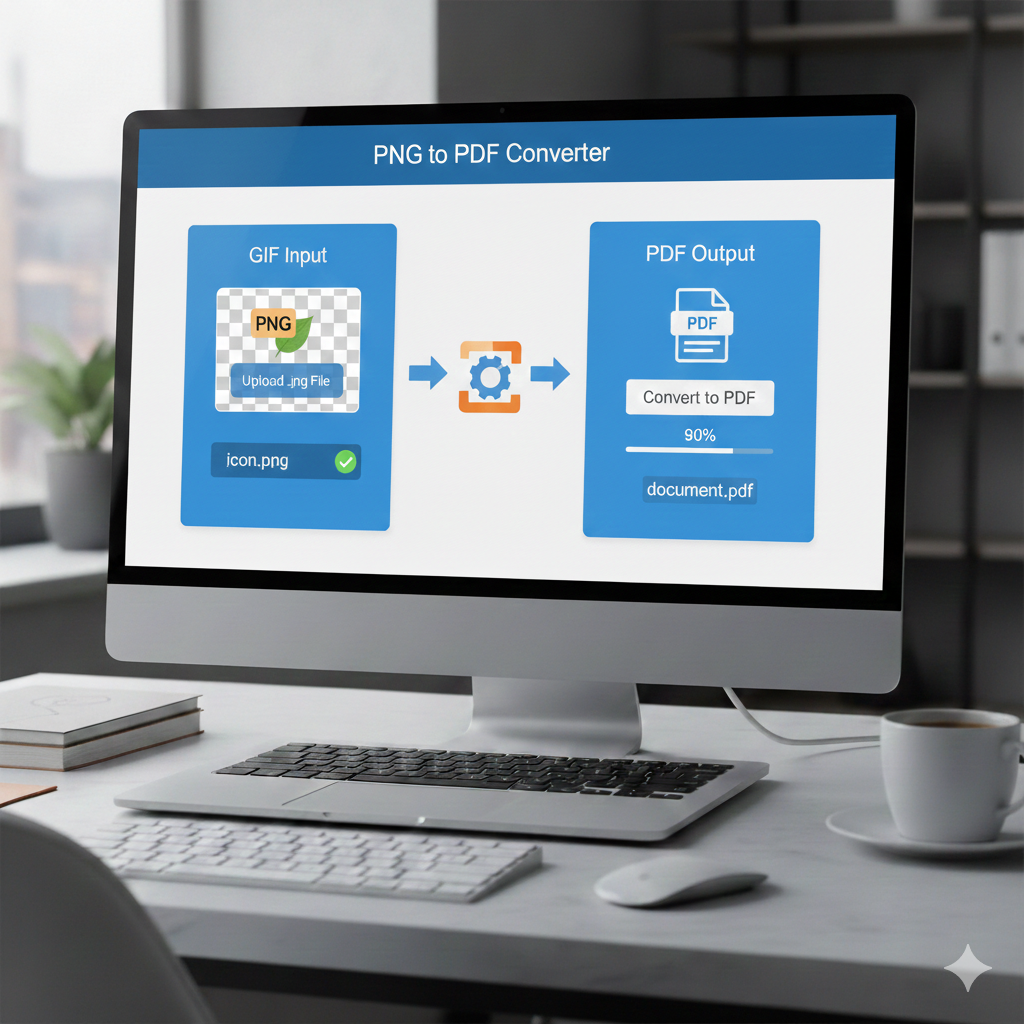
PNG to PDF Converter – Easily Convert Your Images into Professional PDFs
In today’s digital world, managing and sharing images is essential for both personal and professional use. One of the most common tasks is converting images—especially PNGs—into PDF files. Whether it’s for printing, archiving, emailing, or sharing documents without losing quality, a PNG to PDF converter is the perfect tool.
In this article, you’ll learn everything you need to know about converting PNG to PDF, including benefits, methods, the best tools, and how an online PNG to PDF converter makes the process simple and fast.
What is a PNG File?
PNG (Portable Network Graphics) is an image format known for its high quality and support for transparency. It’s widely used for web graphics, screenshots, and digital artwork.
Key features of PNG:
- Lossless compression (no data loss)
- Transparency support
- High image quality
- Ideal for graphics, logos, icons, and screenshots
However, PNG is not the most convenient format for sharing documents or combining multiple images. This is where converting PNG to PDF becomes useful.
Why Convert PNG to PDF?
There are several reasons to convert PNG images into PDF documents:
- Preserve document formatting – PDFs ensure your files look the same on any device, unlike images, which can vary depending on screen resolution or viewer.
- Combine multiple PNGs – Merge several images into a single PDF for easier sharing, printing, or archiving.
- Efficient compression – PDFs can reduce file size while maintaining good image quality.
- Better for printing – PDFs are optimized for page layout, paper size, and DPI settings.
- Enhanced security – PDFs support encryption, password protection, and watermarking, which PNGs do not.
PNG to PDF Converters: Online vs. Desktop Software
Online PNG to PDF Tools
These tools work directly in your browser and require no installation.
Advantages:
- Quick and easy
- No software installation needed
- Accessible from any device
- Many are free
Limitations:
- Internet connection required
- May have file size or number restrictions
- Sensitive files require caution
Desktop Software
Programs like Adobe Acrobat, Foxit PDF, or other offline tools allow local conversion of PNG to PDF.
Advantages:
- Works offline
- Often supports batch conversion
- Suitable for large or sensitive files
Limitations:
- Requires download and installation
- Can be expensive
A good online PNG to PDF converter combines the best of both worlds: fast, secure, and completely free.
How Your PNG to PDF Converter Works
Our tool is designed to be user-friendly and efficient. Here’s how to convert your files:
Step-by-step guide:
- Upload PNG files by clicking the “Upload” or “Files” button
- Select one or multiple PNG images from your device
- Reorder images if needed (drag and drop)
- Customize PDF settings (optional) – choose page size (A4, Letter, etc.), margins, and orientation
- Click Convert to generate the PDF immediately
- Download your PDF – no watermark, safe, and fast
Key Features of Our PNG to PDF Tool
- Free to use – No signup, trials, or hidden fees
- Fast conversion – Generate PDFs in seconds
- High-quality output – Maintains original PNG resolution
- Batch conversion – Convert multiple images into a single PDF
- Drag-and-drop interface – Simple and intuitive for all users
- Safe and private – Files are automatically deleted after a short period
- Mobile and desktop compatible – Works on Windows, macOS, Android, and iOS
Is It Safe to Convert PNG to PDF Online?
Security is important when using online tools. Our converter ensures safety by:
- Using encrypted HTTPS connections
- Automatically deleting files after conversion
- Preventing third-party access
- Not collecting personal data
Use Cases for PNG to PDF Conversion
- Photographers and designers – Share portfolios or collections in polished PDF format
- Business professionals – Create printable invoices, flyers, or reports with PNG logos or images
- Students and teachers – Submit assignments, combine notes, or archive charts and diagrams
- Personal use – Save scanned documents, ID photos, or screenshots as PDFs
Best Practices for PNG to PDF Conversion
- Use high-resolution PNGs – Ensure clarity, especially for printing
- Adjust image size – Compress or resize PNGs before conversion to reduce PDF file size
- Organize image order – Name files logically (e.g., Page1.png, Page2.png) for correct order in the PDF
- Use batch mode – Convert multiple files simultaneously for efficiency
PNG vs JPG to PDF
| Feature | PNG | JPG |
|---|---|---|
| Lossless compression | Yes | No |
| Transparency | Yes | No |
| File size | Larger | Smaller |
| Best for | Graphics, logos | Photos |
| Output quality | High | Good |
SEO Keywords to Target
- PNG to PDF converter online free
- Convert PNG images to PDF
- Batch PNG to PDF
- Best PNG to PDF tool
- Online PNG to PDF without watermark
- Secure PNG to PDF conversion
- Convert transparent PNG to PDF
Why Choose Our PNG to PDF Converter?
- Speed: Convert instantly, no delays
- Simplicity: Upload and convert, no learning curve
- Flexibility: Convert single or multiple images easily
- Quality: Clean, high-resolution PDFs ready for print
- Security: Private, encrypted, and trustworthy
Frequently Asked Questions (FAQs)
Can I convert multiple PNGs into one PDF?
Yes, upload all images at once and choose the merge option.
Will the original PNG quality be maintained?
Absolutely. The tool preserves resolution and quality.
Is it completely free?
Yes. Our PNG to PDF converter is free with no limits.
Do I need to sign up?
No registration is required. Just upload, convert, and download.
How long are files stored?
Files are automatically deleted shortly after conversion.
Conclusion
Converting PNG to PDF has never been easier. Whether for school, work, or personal use, our PNG to PDF converter offers a fast, secure, and high-quality solution. Combine multiple images into a single PDF while maintaining perfect formatting—all completely free, without watermarks or restrictions.