
JPG to PDF Converter

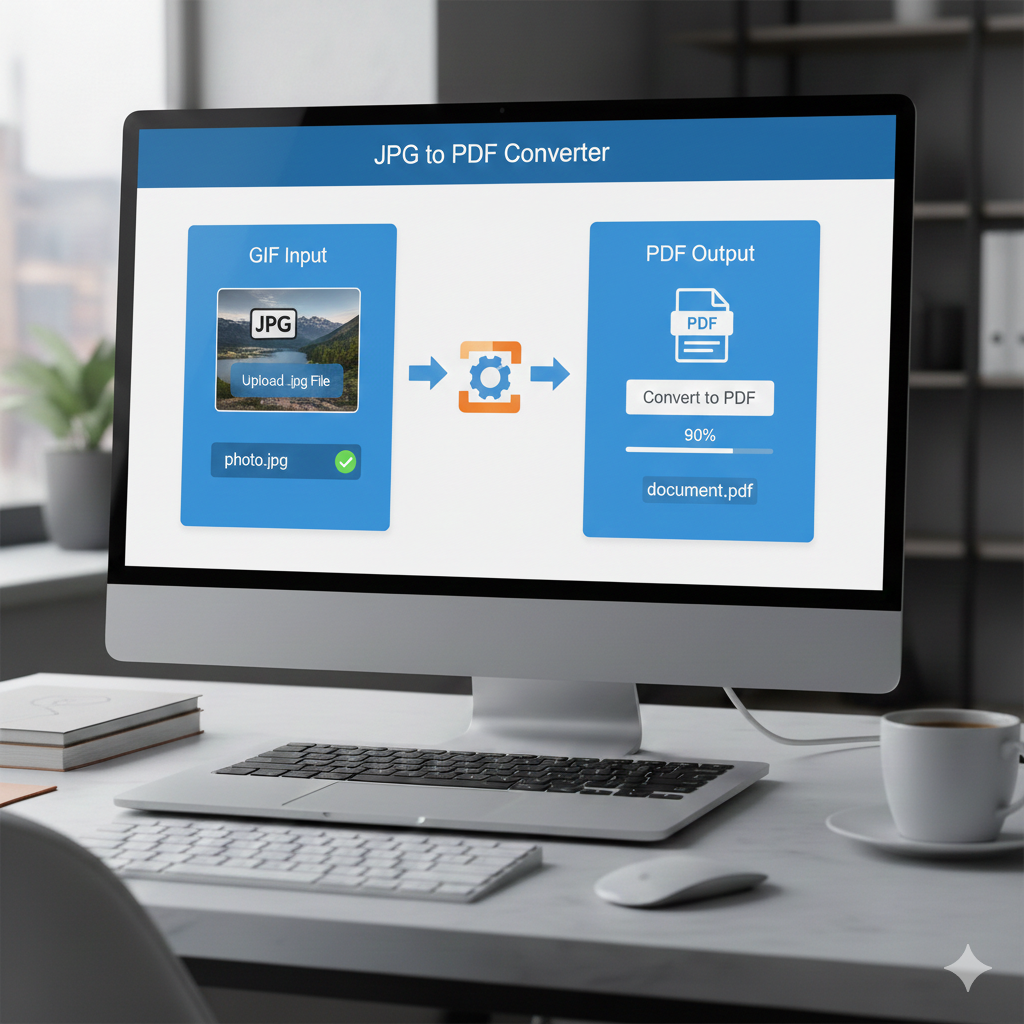
JPG to PDF Converter – Convert Images to Professional PDFs Instantly
In today’s digital world, managing files efficiently is essential for professionals, students, and businesses, all of whom have different needs. One of the most common challenges is converting image files—especially JPGs—into PDF (Portable Document Format) files. Whether for printing, emailing, archiving, or sharing documents online, a JPG to PDF converter is the ideal tool.
This guide covers everything about JPG to PDF converters: what they do, why you should use them, how to operate them, and what makes a good one. Are you looking for a quick, free, and easy-to-use solution? If so, you’re in the right place.
What Is a JPG to PDF Converter?
A JPG to PDF converter is an online or offline tool that lets you transform image files (mainly JPG or JPEG) into PDF documents. PDF files maintain the layout, quality, and appearance of your content across all devices and operating systems.
Why Use a JPG to PDF Converter?
There are several reasons to convert JPG files into PDF format:
- Universal compatibility – PDFs open the same way on all platforms: Windows, macOS, Android, iOS, Linux. No formatting errors or quality loss.
- Document security – PDFs can be password-protected, encrypted, and restricted for editing, which JPGs typically cannot offer.
- File organization – Combining multiple JPG images into a single PDF makes file management easier, especially for reports, photo albums, or documentation.
- Print adaptation – PDFs are optimized for printing and preserve image quality, resulting in better print outputs than printing directly from JPG.
- Professional appearance – PDFs look formal and are widely accepted in business, education, and legal contexts.
Key Features of a Great JPG to PDF Converter
Not all converters are created equal. Look for these features:
- Free to use – Unlimited conversion without cost.
- No watermark – Converted files should not include unwanted branding.
- Fast and efficient – Conversion should be quick, even for large files or multiple images.
- Batch conversion – Ability to convert multiple JPGs into a single PDF at once.
- Drag and drop functionality – Simplifies the process by letting you upload files directly.
- Mobile-friendly – Responsive design allows conversion on the go.
- Safe and secure – Files should be encrypted and deleted after conversion to protect your privacy.
How to Convert JPG to PDF (Step-by-Step Guide)
Follow these steps:
- Open the JPG to PDF converter tool in your browser.
- Click or drag the “Upload” button and select your JPG files.
- Adjust images if needed.
- Choose settings like page size, margins, orientation, and PDF quality.
- Click Convert to process the files.
- Download the PDF to your computer or device.
Use Cases of JPG to PDF Conversion
- Students & Teachers – Convert handwritten notes or assignments to PDF for submission. Compile images into study guides or project reports.
- Business Professionals – Scan receipts, ID cards, or photos and convert them into a PDF for sharing. Create portfolios or presentations.
- Freelancers & Designers – Save design previews, mockups, and client images in one organized PDF. Send proposals or deliverables professionally.
- Photographers – Create albums with JPG images in a navigable PDF format. Prepare prints for clients or online previews.
Online vs. Offline JPG to PDF Converters
Quick comparison:
| Feature | Online Converters | Offline Software |
|---|---|---|
| Availability | Any device with internet | Installation required |
| Speed | Depends on internet | Usually fast, even for large files |
| Ease of use | Very simple, no setup | More features available |
| Security | Good if encrypted | Best for sensitive files |
| Cost | Usually free | Some paid apps |
Tip: Use online tools for quick conversions, offline software for larger workflows or offline use.
Is It Safe to Use JPG to PDF Converters?
Yes, but always choose reputable websites. A good converter will:
- Use HTTPS encryption
- Automatically delete files after conversion
- Not ask for email or personal data
- Keep documents private
Check user reviews, privacy policies, and safety certificates to confirm reliability.
Tips to Optimize Your JPG to PDF Conversion
- Compress images – Reduce JPG size before uploading to decrease PDF file size.
- Use page orientation wisely – Choose portrait or landscape depending on your images.
- Preview PDF – Always check the result to make sure it looks correct.
SEO Keywords to Use (for Better Google Ranking)
- JPG to PDF Converter
- Turn JPG into PDF free
- Online image to PDF tool
- Merge images in PDF
- Best JPG to PDF tool
- Free PDF creator from images
- Secure online JPG to PDF
Why Choose Our JPG to PDF Converter?
Our tool is designed to be fast, safe, and user-friendly. Whether uploading a single image or multiple photos, our free online converter lets you create high-quality PDFs without watermarks or sign-ups. Convert JPG to PDF in seconds on desktop or mobile.
JPG to PDF Conversion on Mobile Devices
Our JPG to PDF converter works seamlessly on mobile. Upload one or multiple images and generate professional PDFs in seconds, all from your smartphone or tablet.
Frequently Asked Questions (FAQs)
Can I convert multiple JPGs into one PDF?
Yes, batch processing lets you combine multiple images into a single PDF.
Is JPG to PDF conversion free?
Absolutely. Many online tools, including ours, offer unlimited free conversion.
Will the image quality decrease?
Good converters maintain high image quality and provide resolution options.
Is it safe to upload photos?
Yes, if you use a reliable site with encryption and deletion protocols.
Can I edit the PDF after conversion?
You will need a separate PDF editor, though some converters integrate editing tools.
Conclusion
In today’s digital age, a JPG to PDF converter is a must-have. It transforms your image files into clean, sharable, and secure documents with just a few clicks. Whether you are a student, freelancer, or business owner, this tool helps you work efficiently and present your documents professionally.